Lead Capture and Routing
Forms, ads and messages land in your CRM instantly, get tagged and reach the right person.
- Form and ad lead sync
- Instant team alerts
- Auto assignment rules
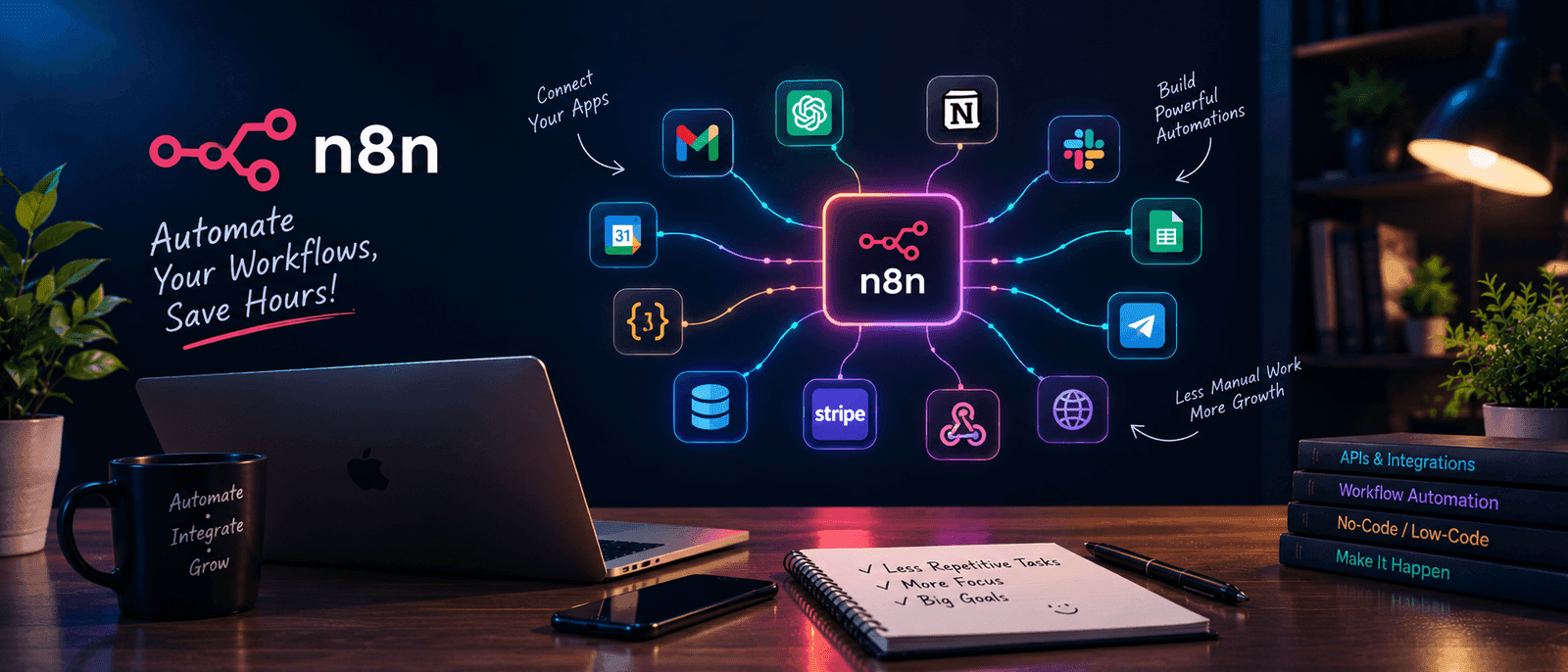
Teams lose hours every week to copy-paste work: moving leads between tools, forwarding forms, building reports by hand. I build reliable n8n workflows that do this for you, and tell you when something needs a person.
Why work with me
I map the manual steps first. A broken process automated is still broken, so we fix the flow before building it.
I write custom code nodes and API calls when a pre-built integration is not enough.
Retries, logs and alerts are built in, so workflows do not fail silently.
I use language models for sorting, summarising and drafting, with a human review step where accuracy matters.

I work as an integrated partner, not a ticket taker. I sit with the people who do the task today, learn the exceptions and build the workflow around how the business really runs. You get documentation and a walkthrough so you are never locked in.
See all servicesHow it works
Working together should reduce friction, not add to it. Here is what each project looks like.
You show me the tasks that eat time. I map the steps, the tools involved and where mistakes happen.
I draw the trigger, steps and exceptions, agree them with you and choose how errors are handled.
I build in a safe environment, test with real data, then deploy with a short guide and walkthrough.
What you get
Use one offer on its own or combine them. Each has a clear job.
Forms, ads and messages land in your CRM instantly, get tagged and reach the right person.
Research, drafting, formatting and publishing steps chained together with a human review gate.
Weekly client reports assembled automatically from your analytics, ranking and ads tools.
Use language models inside your process to classify, summarize, reply and extract data.
Keep Google Sheets, Airtable, CRMs and databases consistent without manual copy and paste.
Retries, logs and alerts so workflows never fail silently and issues get fixed fast.
Tools
The tools I use for this service and what each one is for.
| Category | Tools | Benefit |
|---|---|---|
| Orchestration | n8n, webhooks | Flexible workflows that react to events |
| Data and apps | Google Sheets, Gmail, Slack, REST APIs | Your tools talk to each other without manual steps |
| AI | OpenAI API | Classify, summarise and draft inside the flow |
| Publishing | WordPress REST API | Content pipelines that publish after review |
Hiring for automation is risky when you cannot tell who actually does the work. Everything on my services is done by me, personally. I do not hand projects to unvetted subcontractors or pass them to junior staff.
I review my own work before it reaches you, and I explain my decisions in plain language so you can judge them. If something is outside what I do well, I will say so and suggest a better option.
Compare
| Factor | Cheap freelancers | Generalist agencies | This service |
|---|---|---|---|
| Fit to your process | A copied template flow | Standard automation packages | Built around your actual steps |
| Handles complex logic | Breaks on exceptions | Limited to simple triggers | Custom code and API calls where needed |
| Reliability | No alerts or logs | Support tickets | Error handling and alerts built in |
| Main goal | Deliver a flow | Sell more tools | Fewer manual hours for your team |
Proof
Real articles and a product that automates a content workflow.
More on the Projects page.
Typical situations and what I do about them. These are not client case results.
Leads arrive from forms, ads and messages and someone sorts them by hand.
What I do: Route every lead into one place, tag it and notify the right person instantly.
Weekly reports are copied together from several tools.
What I do: Pull the data on a schedule and deliver a ready summary.
Content goes through many manual publishing steps.
What I do: Chain research, drafting, review and publishing with a human approval gate.
Workflows fail and nobody notices.
What I do: Add retries, logs and alerts so problems surface quickly.
FAQ
n8n is more flexible, supports custom code and can be self hosted. That keeps costs low at higher volumes and your data under your control.
If a tool has an API or a webhook, it can almost always be connected. If it has neither, we look for an export, an email trigger or another workaround.
Every workflow includes error handling, retries and alerts. I also offer a monitoring plan where I watch runs and fix issues before they affect your business.
Not necessarily. I can use n8n Cloud or set up a self hosted instance on a small server, and I will recommend the option that fits your volume and budget.
Yes. I use OpenAI and Claude APIs for classification, summaries, drafting and data extraction, always with a review step where accuracy matters.
Simple workflows take a few days. Multi-step systems with several integrations usually take 1 to 3 weeks, including testing and documentation.
Use cases
Where this service fits best. If your field is not listed, ask.
First call
A short, no-pressure call to see whether I am the right fit.
We talk through what you have now and where the gaps are.
I outline quick wins and the larger priorities, in a sensible order.
You get a clear recommendation and scope before any work starts.
Stop paying for makeshift fixes. A short call is the quickest way to find out whether automation is the right next step for your business.